
Design Decisions Behind This Template
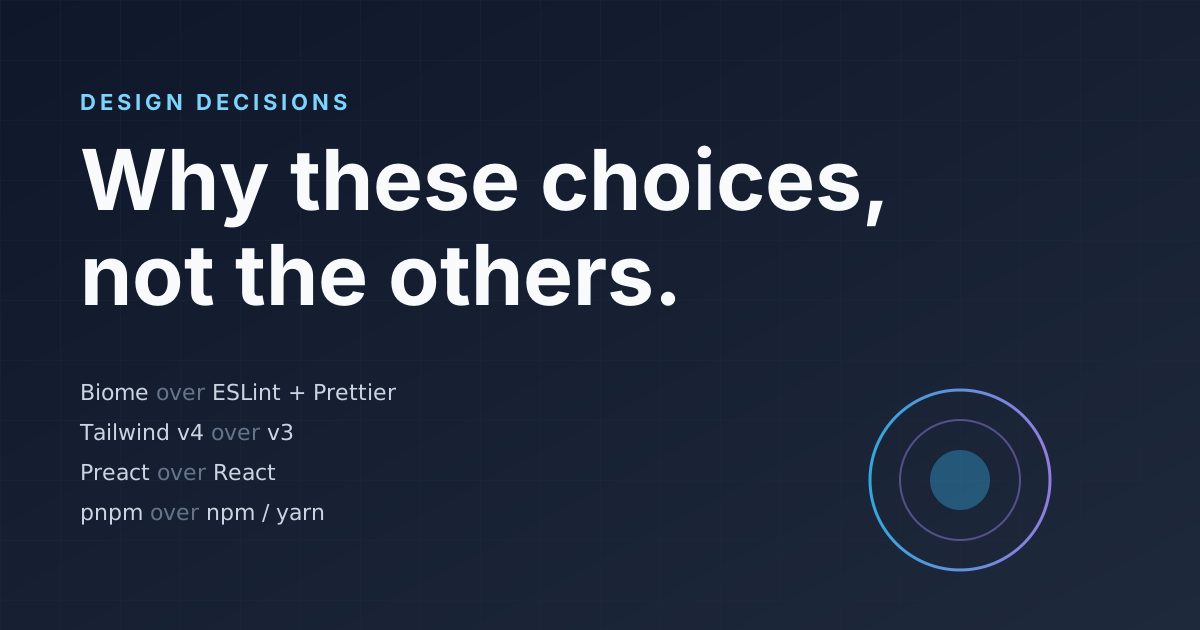
Every starter template makes opinionated choices. Most don’t explain why. This post walks through the decisions behind the Astro Performance Starter — what we chose, what we rejected, and the reasoning that tipped each call.
Biome Over ESLint + Prettier
The web ecosystem has treated linting and formatting as two separate concerns for years. ESLint handles code quality rules. Prettier handles formatting. You wire them together with eslint-config-prettier and hope they don’t fight.
Biome collapses both into a single tool with a single config file. It’s written in Rust, so it’s roughly 20x faster than the ESLint + Prettier combo — fast enough that you can run it on every keystroke without noticing.
The tradeoff
Biome’s rule coverage is still catching up to ESLint’s plugin ecosystem. If you need highly specialized rules (e.g., eslint-plugin-react-hooks), Biome may not have a direct equivalent yet. For this template’s needs — TypeScript, Astro, general code quality — coverage is complete.
The real win isn’t speed, though. It’s simplicity. One config file instead of three. No plugin compatibility matrix. No “is this a Prettier rule or an ESLint rule?” confusion.
Tailwind v4 CSS-Native Config
Tailwind v4 moved configuration from JavaScript (tailwind.config.js) into CSS itself using @theme inline. This is a fundamental shift: your design tokens now live in CSS, not in a JavaScript file that gets processed into CSS.
For this template, the benefits are concrete:
- No JavaScript config file — one fewer build dependency, one fewer file to maintain
- Tokens in CSS — design tokens compile through the same pipeline as all other styles
- Lightning CSS compiler — Tailwind v4 ships its own compiler, replacing PostCSS for most use cases
Move fast, ship less JavaScript. If it can be CSS, it should be CSS.
The design token system in this template (tokens/base.json → tokens/semantic.json → CSS variables) integrates cleanly with Tailwind v4’s @theme because both systems speak CSS natively. No translation layer needed.
Preact Over React
Interactive islands in this template use Preact, not React. The reasoning is straightforward: Preact is 3KB, React is 40KB+. For a template that ships zero JavaScript by default, every byte of runtime matters.
Preact’s API is compatible with React’s — you write the same JSX, use the same hooks, follow the same patterns. The differences are at the edges: Preact’s synthetic event system is thinner, and a few React-specific APIs (like useTransition) aren’t available.
When to switch to React
If you need React-specific features (Suspense boundaries, server components, a library that imports from react directly), swap @astrojs/preact for @astrojs/react in your Astro config. The component code barely changes.
For a portfolio or blog starter where islands are small and infrequent — a contact form, a theme toggle, a mobile nav — Preact is the right default. You can always upgrade to React if your project grows past what Preact handles comfortably.
TypeScript Strict Mode
This isn’t really a debate anymore, but it’s worth stating explicitly: the template enforces strict: true in TypeScript with strictNullChecks enabled.
The alternative — loose TypeScript with any escapes everywhere — provides type-checking theater without the actual safety. Strict mode catches real bugs: null dereferences, missing property checks, incorrect function signatures.
The template does use @ts-ignore in a few places where Astro’s framework types and Preact’s types create complex intersections. Each one has a comment explaining why. This is pragmatic, not sloppy — you fix what the type system can express and document what it can’t.
Content Collections Over Filesystem Routing
Astro supports both approaches for content: filesystem-based routing (put an .astro file in pages/ and it becomes a page) and content collections (define a Zod schema, put content in content/, render with getCollection()).
This template uses content collections for blog posts, projects, experience entries, and bio data. The overhead is a schema file and a loader — but the payoff is:
- Validation at build time — a missing
titleor malformeddatefails the build, not the user’s browser - Type-safe frontmatter — TypeScript knows exactly what fields exist on each content type
- Separation of concerns — content lives in MDX, presentation lives in Astro components
The about page, for example, pulls from both the bio collection and the experience collection. Change your job title in default.mdx and every surface that renders your bio updates automatically.
What We Didn’t Choose
Some notable alternatives we evaluated and rejected:
- ESLint + Prettier — replaced by Biome for speed and simplicity
- React — replaced by Preact for bundle size in an islands-first architecture
- Tailwind v3 — replaced by v4 for CSS-native configuration
- PostCSS — replaced by Tailwind v4’s built-in Lightning CSS compiler
- Jest — replaced by Vitest for Vite-native test execution
- Webpack — never considered; Vite is the default for Astro
Each of these tools is excellent in the right context. For a performance-first Astro starter, the alternatives we chose are better fits.